
Built from you
The system starts from your photos and height, then adapts the outfit direction to your visible body lines and overall impression.
AI outfit stylist
Upload a face photo, a full-body photo, your height, and the vibe you want. Pick My Fit turns that into one personalized 3-look try-on image with optional product matches.
Product links may be affiliate links at no extra cost to you. Affiliate disclosure
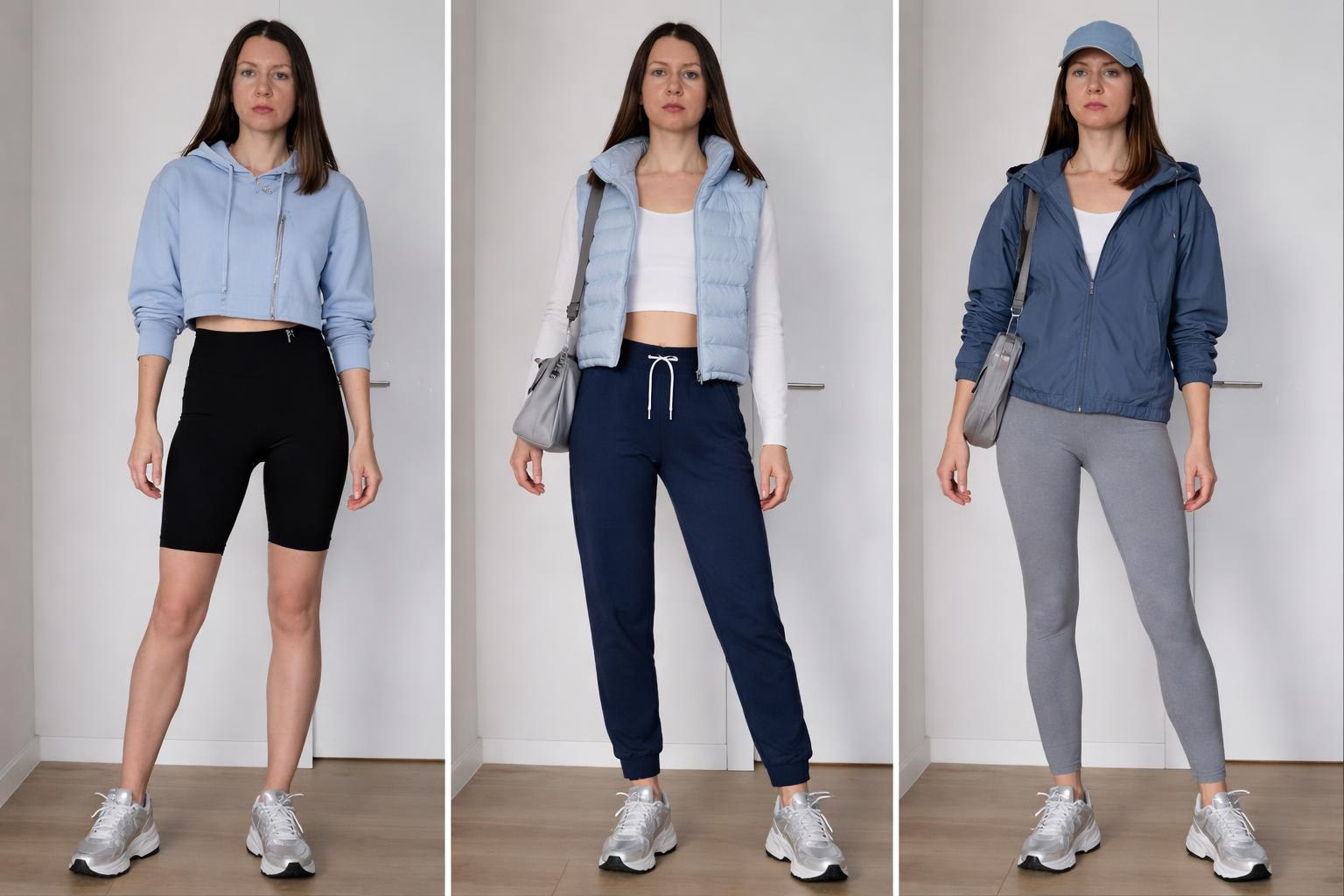
Why it feels different
The goal is wearable direction: outfits that fit your request, your proportions, your color direction, and the way the clothes actually read on you.
The system starts from your photos and height, then adapts the outfit direction to your visible body lines and overall impression.
References like a movie, era, aesthetic, or celebrity are converted into wearable garments instead of costume pieces.
Product links are searched after the final visualization, so they match the visible result instead of only the initial idea.
Guide
Pinterest and marketplaces show other people and endless inventory. Pick My Fit starts with your photos, then turns a style request into a wearable direction before you shop.
How to choose an outfit from photos without a stylist, where AI helps, and where the limits are.
Useful guides
The site explains the product before anyone shops: what photos are needed, how to write a request, how Pick My Fit differs from moodboards, and how product links are selected.
Why saved references and catalogs do not answer the question "will this work on me?"
Examples for work, dates, travel, color direction, aesthetics, and practical constraints.
See how different requests become wearable outfit directions on a person's own photo.
What you get
The output is built to help you see what works on your own photo first. Product links are supporting suggestions, not the main reason the tool exists.
Safe, balanced, and more expressive versions of the same request, so you can compare how far you want to push the look.
Each look is shaped around the requested mood, visible proportions, color direction, layering, texture, and practical wearability.
When shopping links are shown, they are selected to match the final outfit visualization. Retailer stock, sizing, price, and returns remain the retailer's responsibility.
How it works
Send 2 photos of the same person, your height, and the look you want in normal words.
Pick My Fit creates one realistic 3-panel try-on image: safe, balanced, and trend-forward.
If you want to shop the direction, Pick My Fit can suggest close product matches from real retailer pages.
Examples
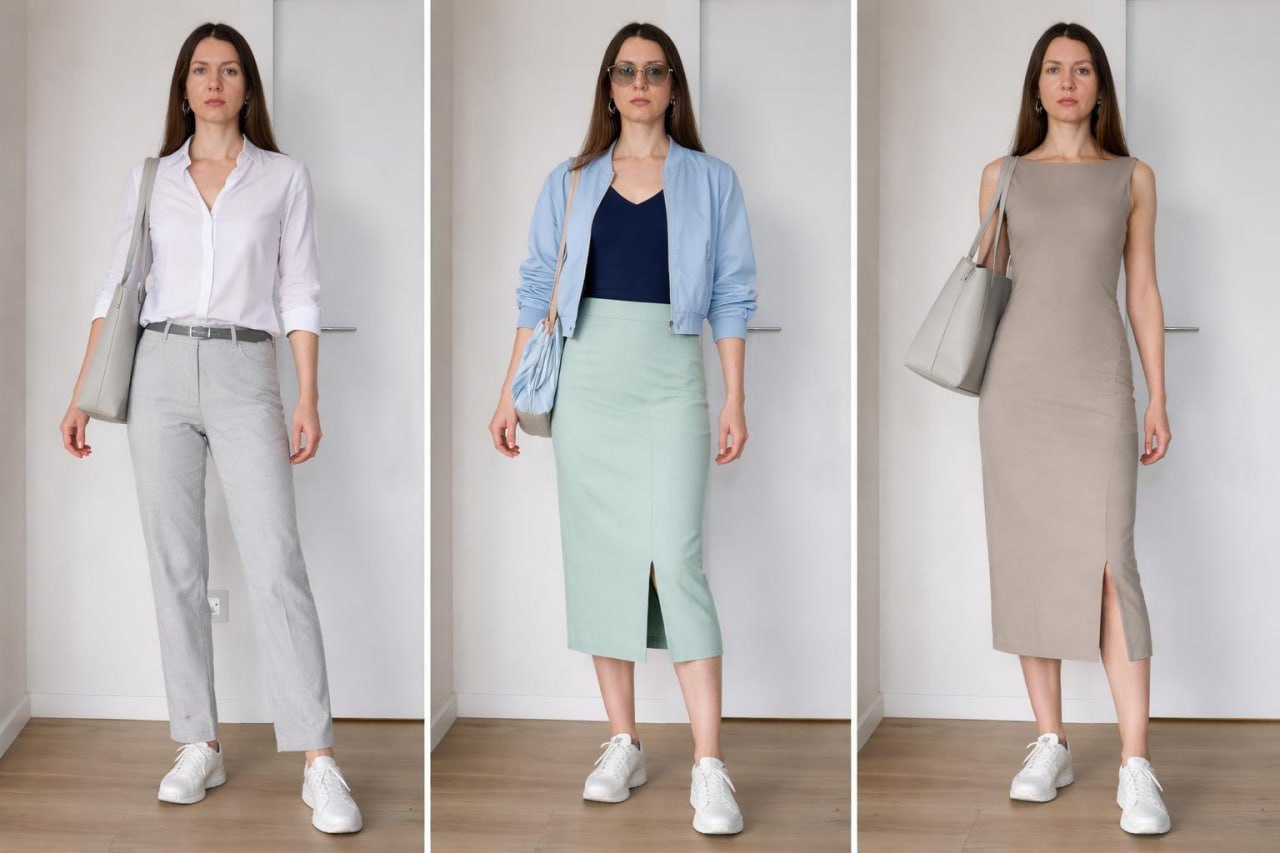
Light colors, relaxed proportions, wearable warm-weather styling.
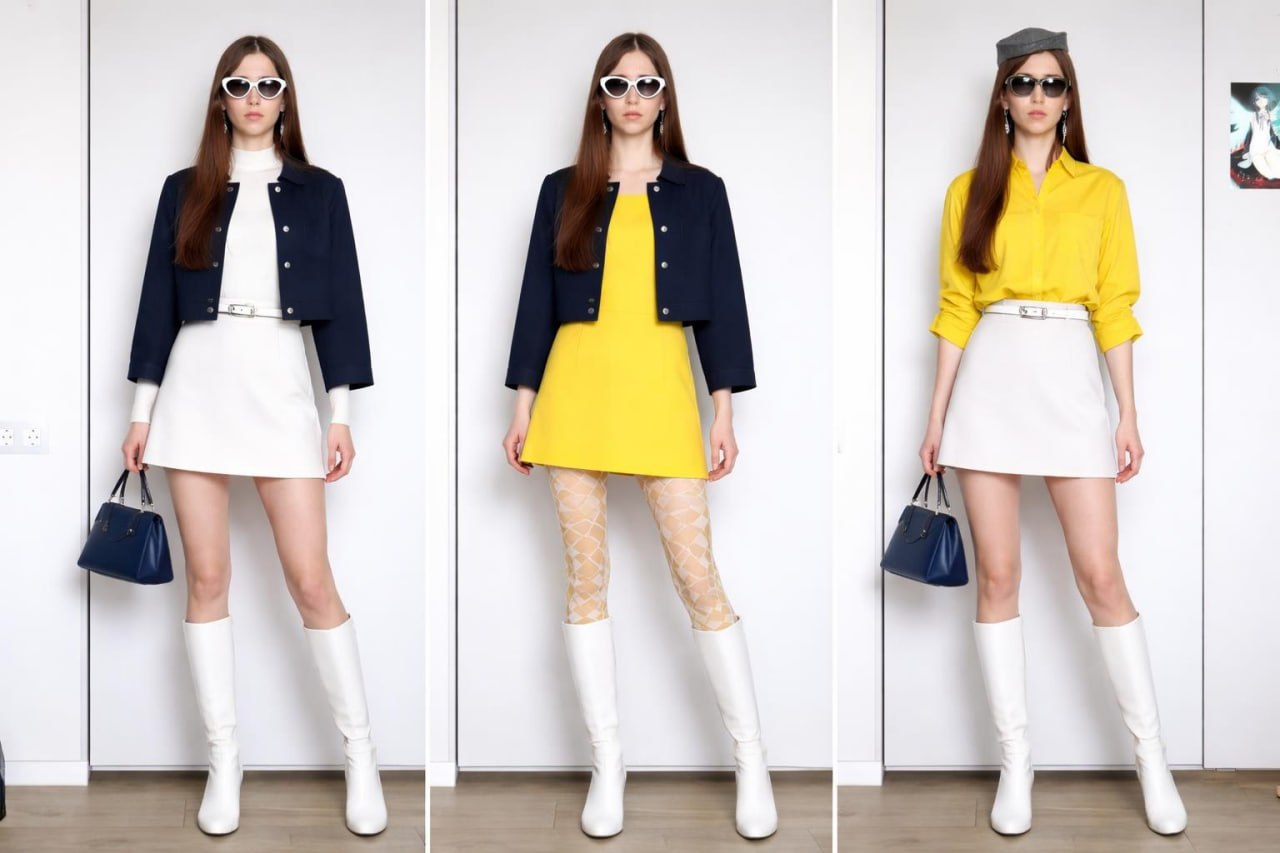
A strong reference translated into real, wearable everyday pieces.
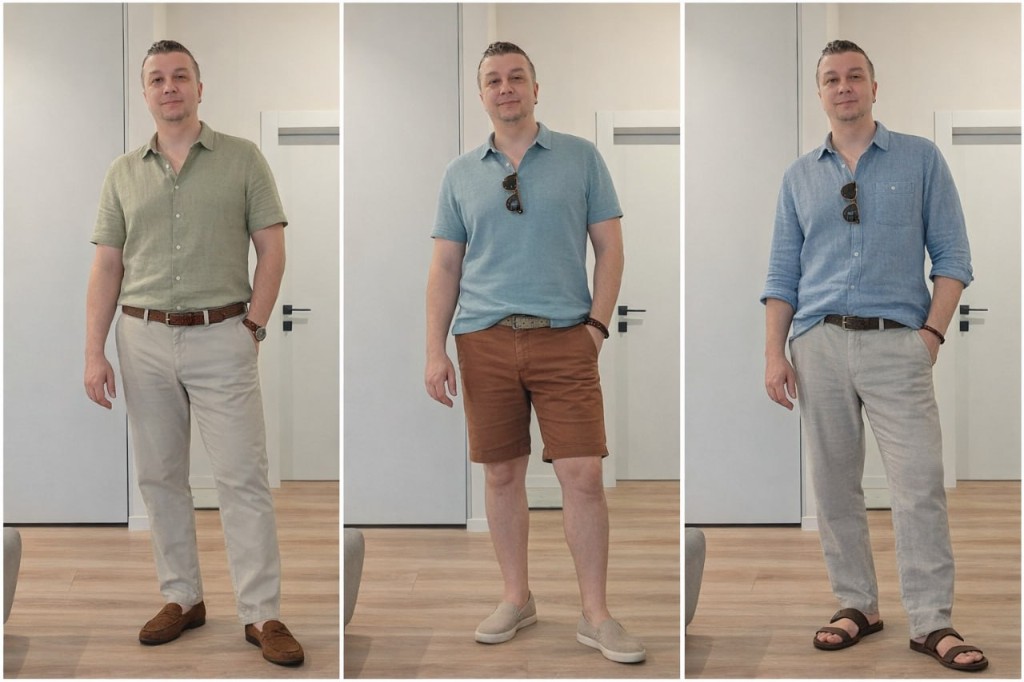
Cleaner silhouettes, sharper layers, and grounded shopping direction.
Photo guide
Use simple phone photos in good light. No studio shoot needed.
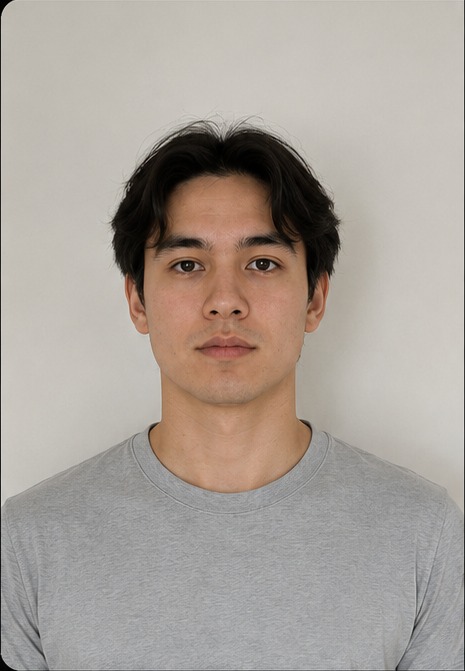
Front-facing, clear face, neck, and shoulders.
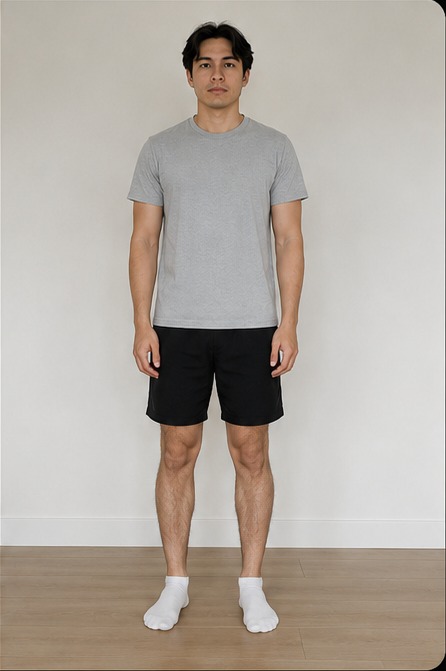
Head to feet visible, straight front view, no cropped shoes.